Bin assigned to the point
Capacity, type, waste stream and location are related to the pickup point and its schedule.
 NexaWaste PRO +NexaWorksClean cities. A better tomorrow.
The bin register links capacity, waste stream, ID and location to the collection point. You can load data from a CSV file with error preview and deduplication. RFID, QR and NFC identifiers are recorded in the records, and hardware readers are connected via an adapter.
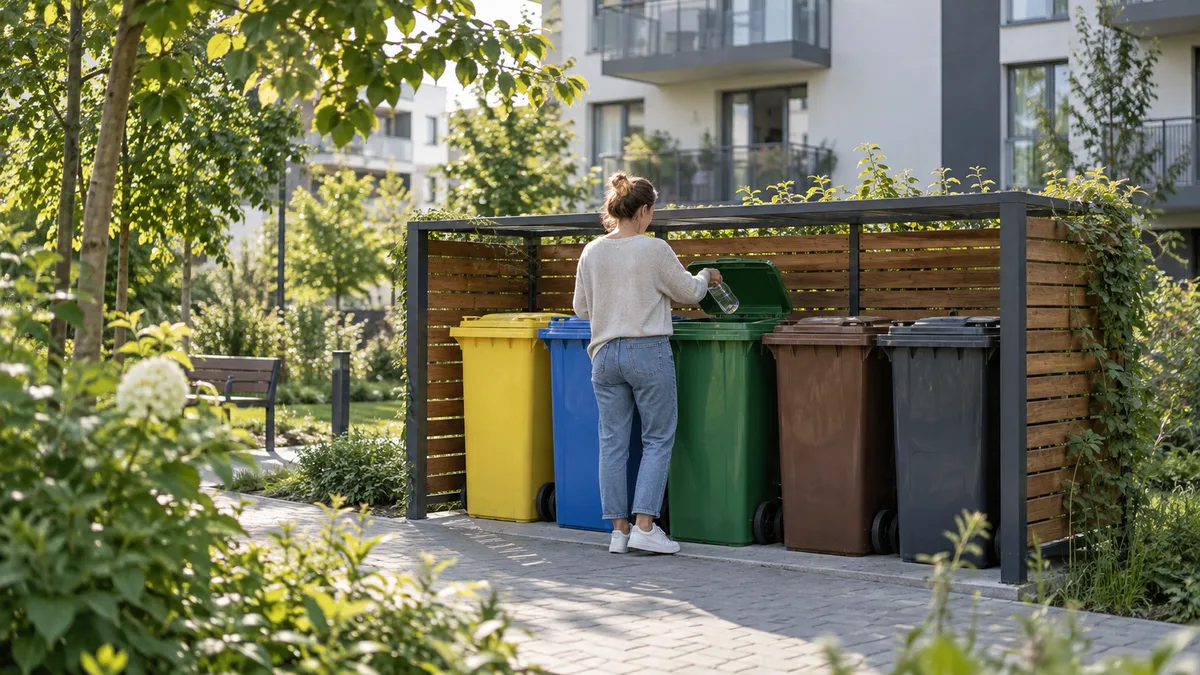
Capacity, type, waste stream and location are related to the pickup point and its schedule.
The RFID, QR or NFC number is a record field. You will find the container and its history.
You see validation errors and duplicates before saving. Re-import does not create the same records.
Changes to waste stream, location, or state are logged with author and time.
Residents can report an overflowing or damaged bin and attach a photo. Staff can turn the report into a field task.
Prepare columns for addresses, waste streams and containers. Validate the data before import.
The system identifies invalid rows and duplicates before saving. Correct them in the import preview.
Bins go to the register and connect to collection points.
Status changes, exchanges and reports are recorded in history.
We keep RFID identifiers in our records. A hardware reader requires an adapter matched to the device and testing on the organization's equipment. We do not declare operation with any reader.
Import checks each line before saving and indicates duplicates. Reloading the same file does not create new records.
Not in current version. Camera scanning is in the development plan. Today, the ID is checked in the container register.
Choose a product and a conversation topic. The request will receive a number and go to the service center; We will respond to the address provided.